
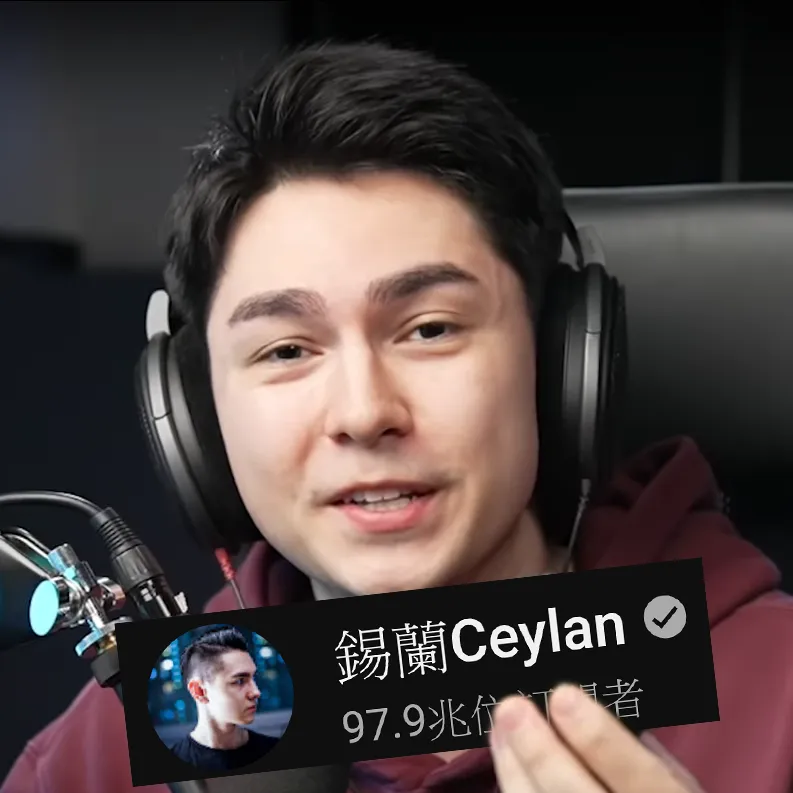
大家都知道,錫蘭的 YouTube 訂閱數因為某些原因顯示不太準確。但現在,我有了一個好消息:我開發了一個程式,可以輕鬆自動修正它!想知道怎麼做嗎?繼續往下看!
首先,請先安裝油猴(Tampermonkey)這個擴充功能。你可以在 Chrome、Edge 或 Firefox 的擴充功能商店下載它。接著,到 Greasy Fork 網站安裝我開發的程式即可。有時 YouTube 會顯示錯誤,這時你只需要重新整理頁面就好了。
如果你擔心我會不會盜取你的個人資料,那麼別擔心!在你安裝程式時,你可以查看程式碼,以確保你的資料是安全的。不過程式碼非常簡潔,有些難以閱讀,所以這裡提供比較好閱讀的版本。
(function () { function modifySubscriberCount() { var subscriberCountElem = document.getElementById("subscriber-count"); var channel = document.getElementById("channel-handle"); var channelName = document.getElementById("text"); var subCount = document.getElementById("owner-sub-count"); if (subscriberCountElem && channel) { observer.disconnect(); if (channel.innerText == "@xilanceylan") { var subscriberCountText = subscriberCountElem.innerText; if (subscriberCountText.indexOf("K") > -1) var replacedText = parseInt(subscriberCountText.replace("K", "")) / 10 + "T"; else var replacedText = subscriberCountText.replace("萬", "兆").replace("万", "兆"); subscriberCountElem.innerText = replacedText; } } else if (subCount && channelName) { observer.disconnect(); if (channelName.innerText == "錫蘭 Ceylan") { var subscriberCountText = subCount.innerText; var replacedText = subscriberCountText.replace("萬", "兆").replace("万", "兆"); subCount.innerText = replacedText; } } } modifySubscriberCount(); window.addEventListener("popstate", modifySubscriberCount); var observer = new MutationObserver(function (mutations) { mutations.forEach(function (mutation) { modifySubscriberCount(); }); }); observer.observe(document.body, { childList: true, subtree: true });})();不過你可能會說”喔我沒有讀過大學,我看不懂”,沒關係我也沒有,但你可以請 ChatGPT 解釋給你聽。
現在,你可以輕鬆地修正錫蘭 YouTube 的訂閱數,成為網路上的大王。





留言
留言區