

以往製作波浪效果不是使用 GIF 就是借助貝茲曲線。貝茲曲線就是 Ai 或是 Vectornator (現在叫做 Curve) 裡面的鋼筆工具。隨便拉都會有波浪的感覺,且使用 SVG 或 JavaScript Canvas 都不難實現。
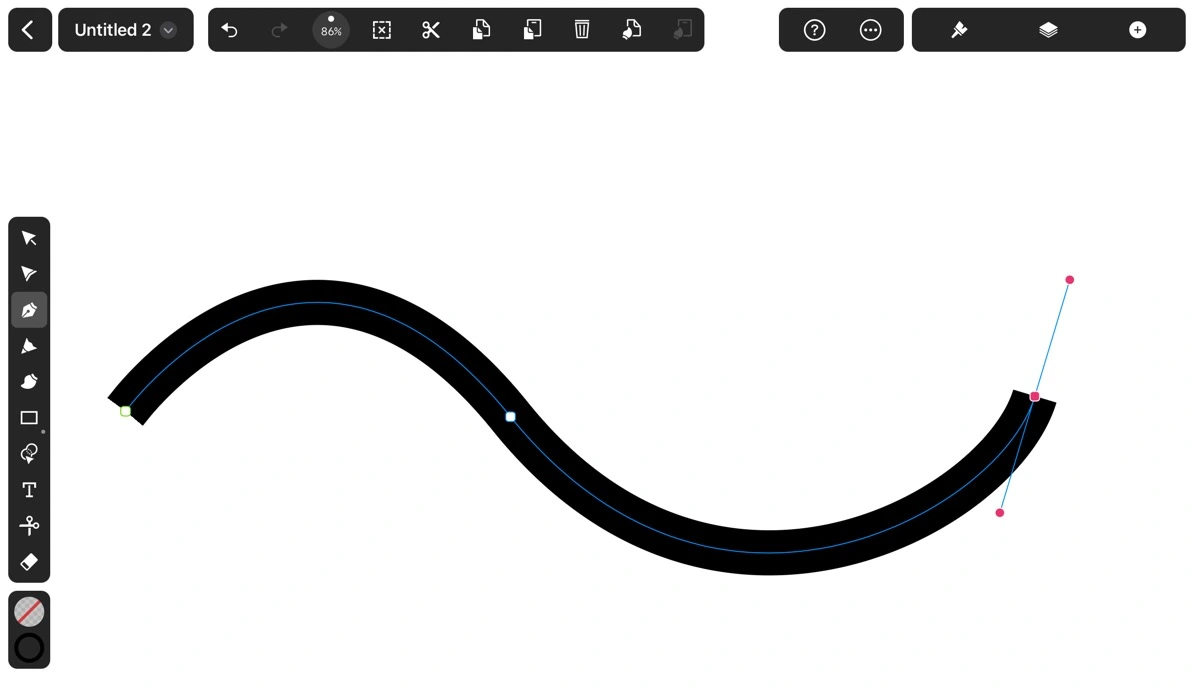
然而在 CSS 實現貝茲曲線一直都沒有一個優雅的方法。我在這個中秋連假和家人一起到墾丁露營,我一邊看著大海海浪一邊喝著椰子水思考這個問題…
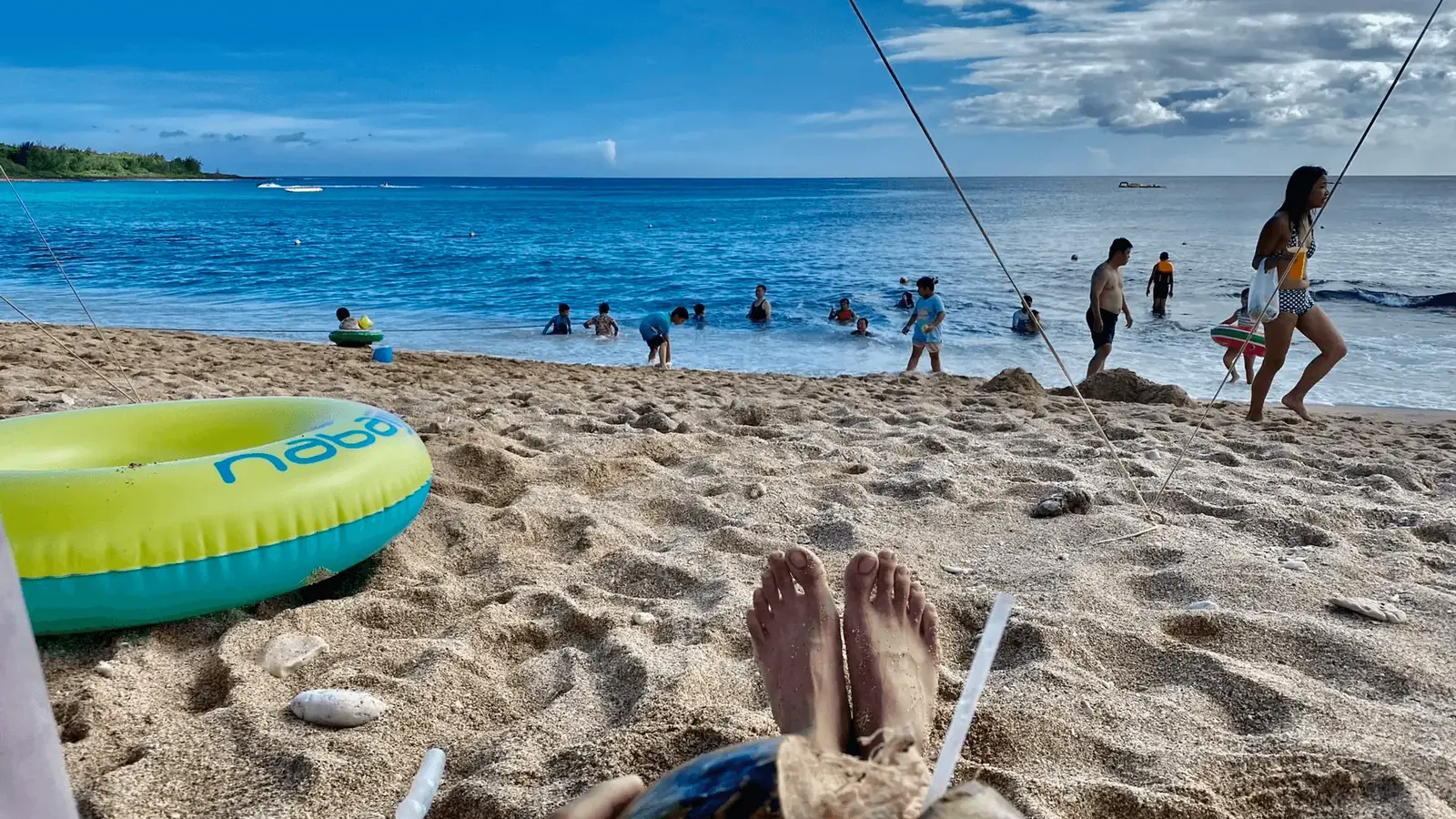
突然我注意到,你看椰子是不是看起來很圓,但又不是很圓。像極了圓角 border-radius 接近 50% 但又還沒達到。
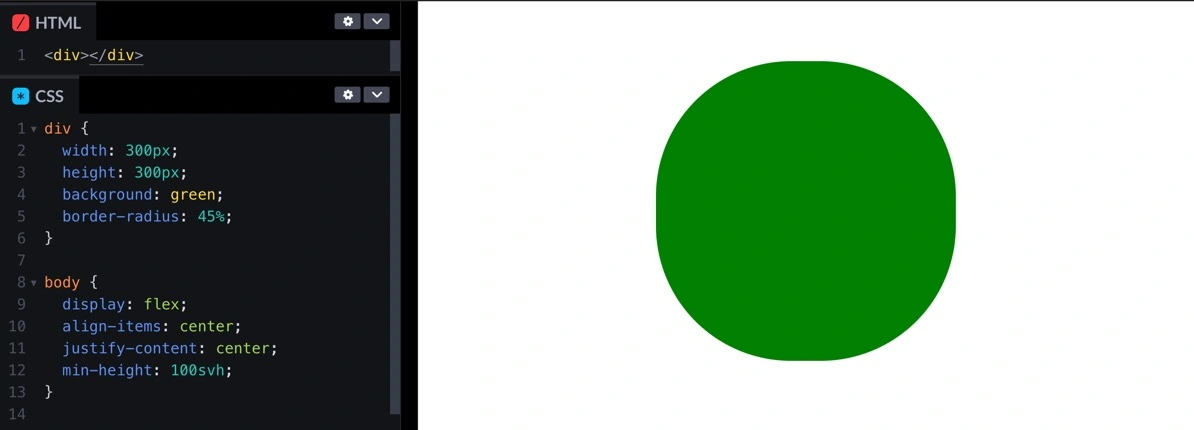
<div></div>div { width: 300px; height: 300px; background: green; border-radius: 45%;}body { display: flex; align-items: center; justify-content: center; min-height: 100svh;}如果把它轉起來的話…

div { width: 300px; height: 300px; background: green; border-radius: 45%; animation: spin 5s linear infinite;}@keyframes spin { to { transform: rotate(360deg); }}是不是有點波浪的感覺?也有點像一些手機充電的動畫。我們就是要借助這個起伏製作出波浪動畫。而實際上要怎麼做呢?我們先把背景設定成藍色,接著把這個椰子放大好幾倍把這個海切出海浪。

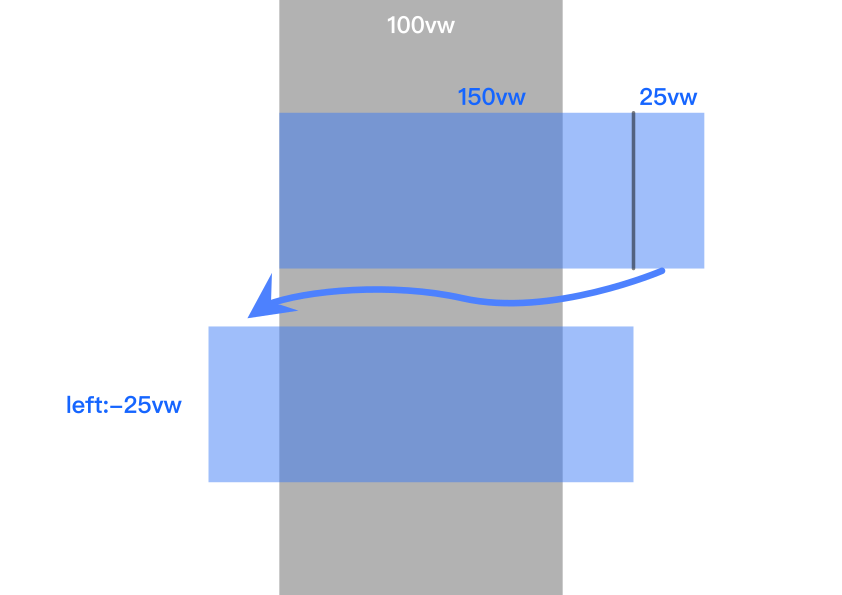
這裡關於置中我想補充一個點,就是因為我們已經在使用 transform: rotate() 屬性旋轉,所以我沒有用 translate()來置中。因為我們知道寬度是 150vw,所以只需要把多出來的 50vw 切一半丟到左邊就可以了。
最後來多疊幾個,然後裝飾一下它。成果如下:

可以看出我有疊第二個,並且微調顏色圓角,並稍微延遲,讓他看起來不要過度整齊。外框是先疊一層白色 border,再一層藍色 outline。最後再加上一個文字,就完成了。
<main> <div></div> <div class="“second”"></div> <h2>40%</h2></main>body { overflow: hidden; display: flex; justify-content: center; align-items: center; min-height: 100svh;}main { width: 300px; height: 300px; background: #03bafc; overflow: hidden; border-radius: 50%; border: 5px solid #fff; outline: 5px solid #03bafc; position: relative;}div { width: 450px; height: 450px; background: #52bdff; border-radius: 43%; animation: spin 5s linear infinite; position: absolute; bottom: 100px; left: -75px;}.second { animation-delay: 0.5s; bottom: 120px; background: #fff; border-radius: 45%;}h2 { position: absolute; font-family: system-ui; font-size: 30px; color: #0369ad; top: 50%; left: 50%; transform: translate(-50%, -50%);}@keyframes spin { to { transform: rotate(360deg); }}以上就是我今天的分享,歡迎在 Instagram 和 Google 新聞追蹤毛哥EM資訊密技,也歡迎訂閱我新開的YouTube 頻道:網棧。
我是毛哥EM,讓我們明天再見。

留言
留言區